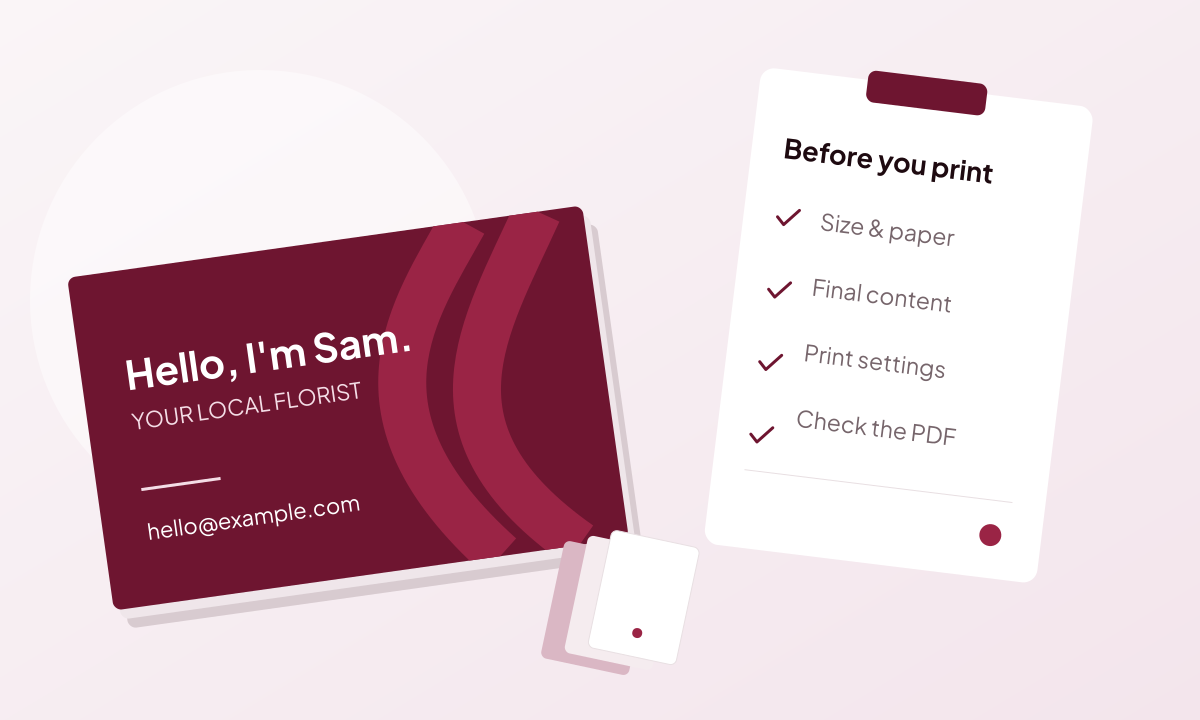
Why an AI image is not a print-ready file
A finished-looking image can still need editable text, correct dimensions and print settings before it is ready to send.
Read guide
Editability, image quality and print settings for designs you want to use.
A finished-looking image can still need editable text, correct dimensions and print settings before it is ready to send.
Read guide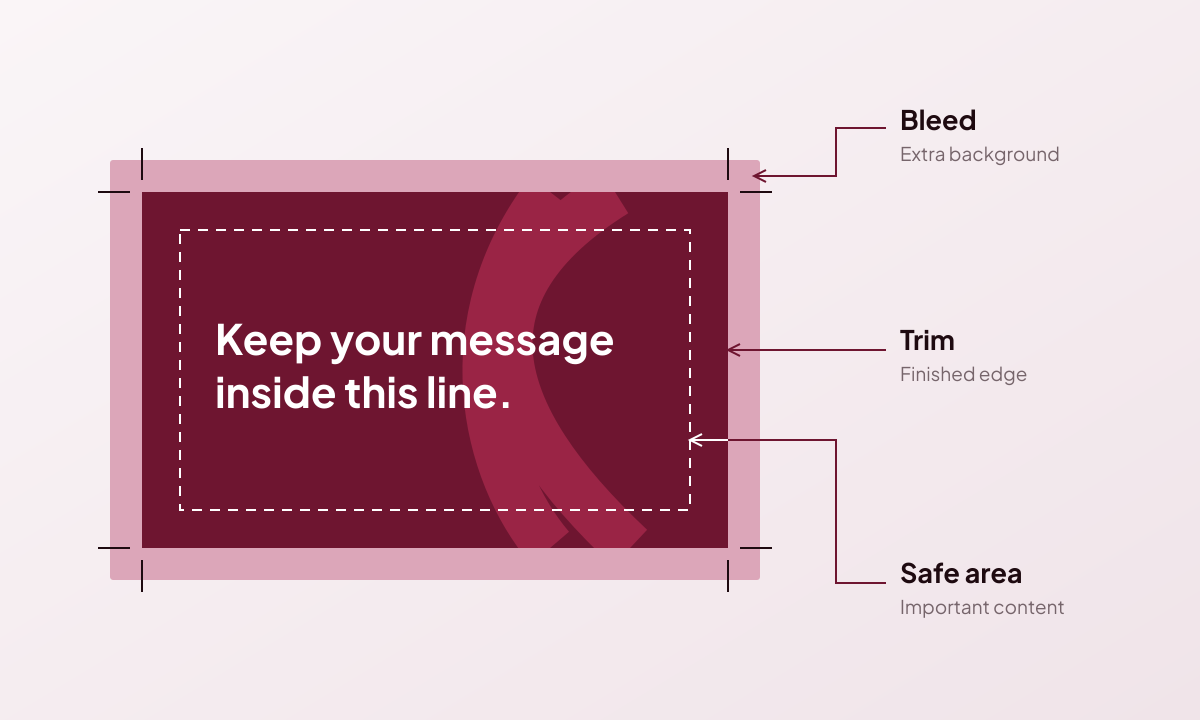
Give your design the right finished size, extend backgrounds past the cut and keep important content inside the safe area.
Read guide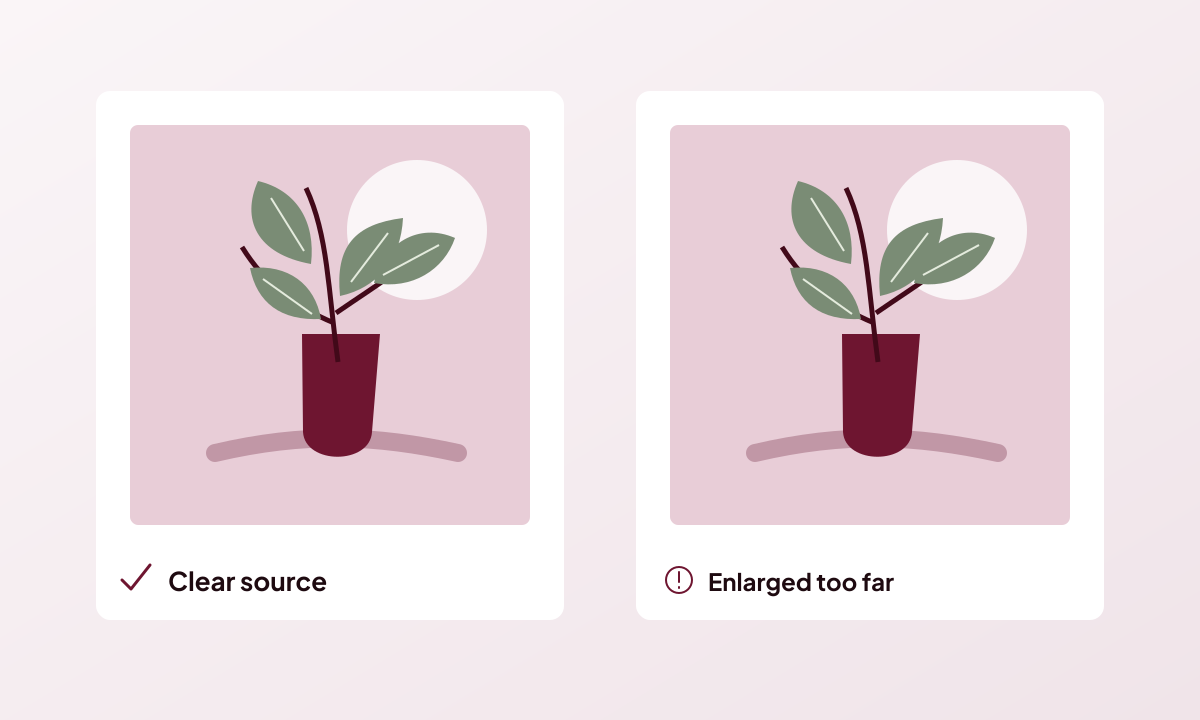
Check the resolution at the size you will print, rather than judging an image only by its on-screen preview.
Read guide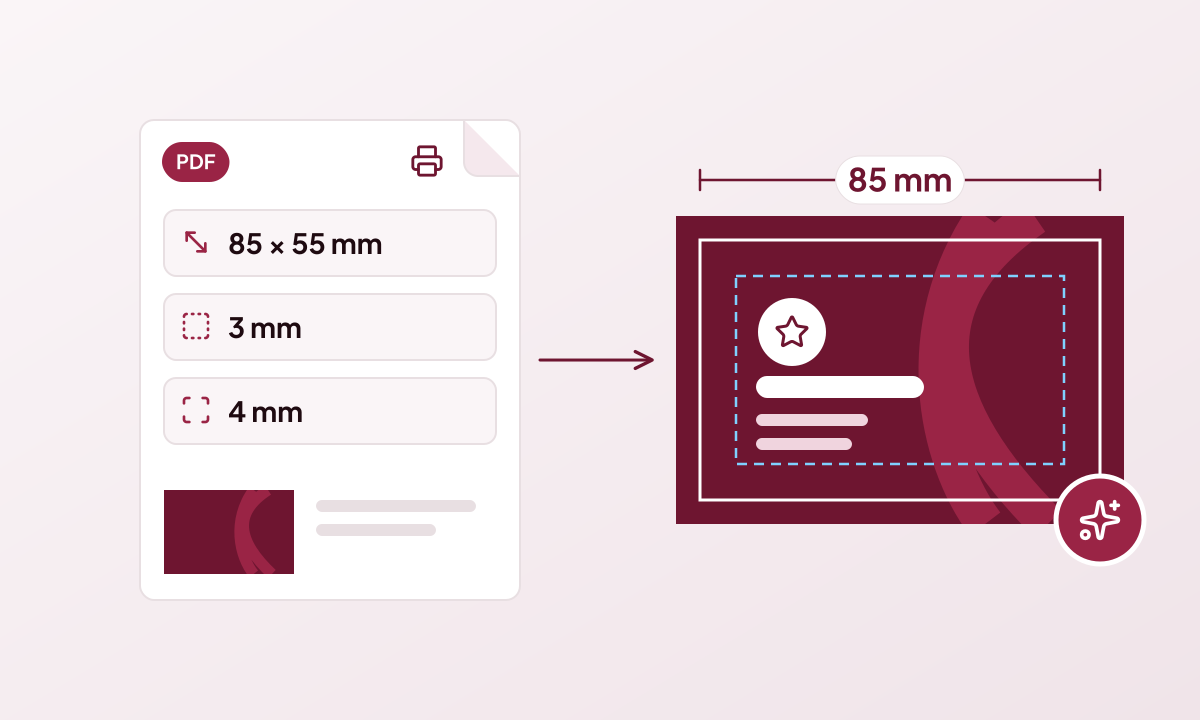
Upload the specification your printer gave you and Genixfile sets the size, bleed, safe area, pages and folds before Genix designs anything.
Read guide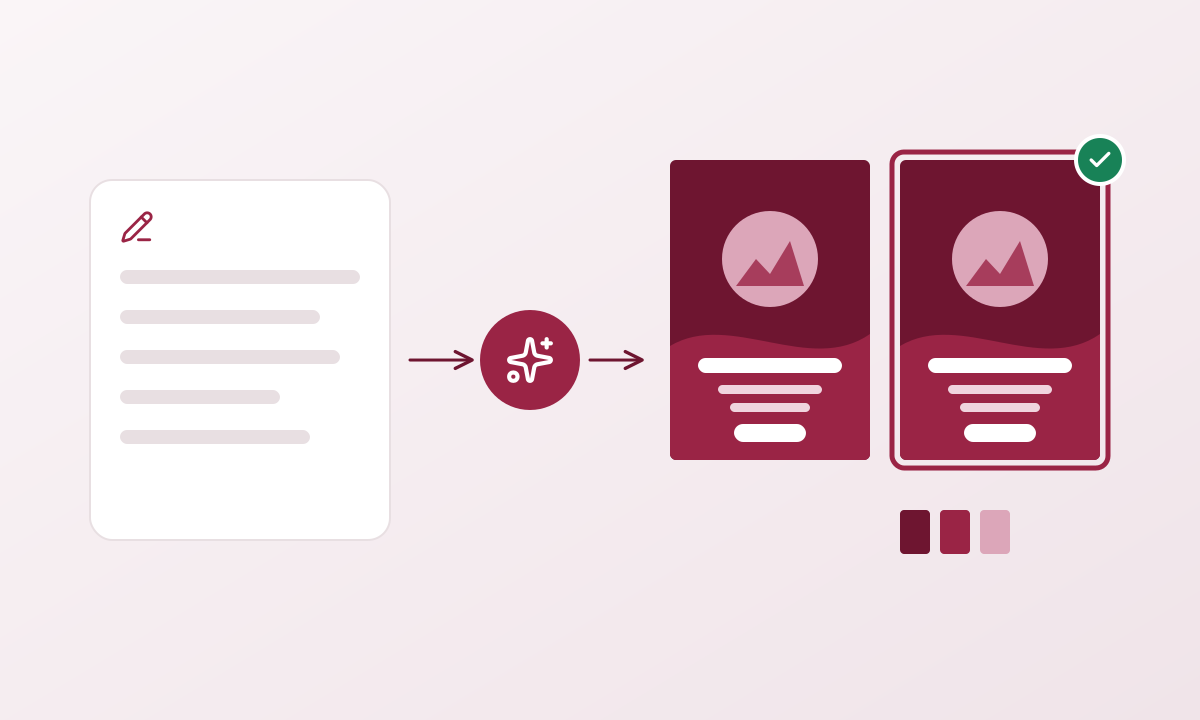
From a short brief to a complete, editable print design in six steps, with the cost of every AI step shown before it runs.
Read guide
Genixfile is an AI design tool that reads your printer’s specification and creates editable, print-ready designs. Here is what it does and who it is for.
Read guideEvery guide is a short, practical read with a source you can check.