Review and fix print warnings
Find the issue, inspect the artwork, then choose a fix.
How Do I Open Print Checks?
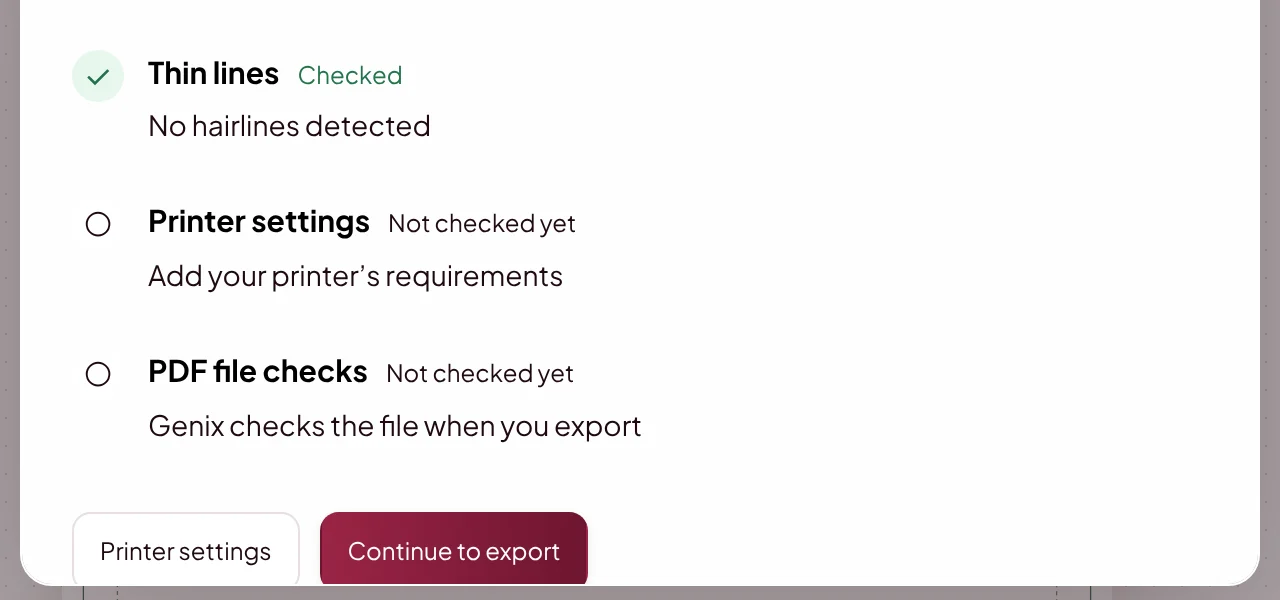
Open Print Checks with the shield icon at the top right of the editor. Select a warning to review the affected artwork.
How Do I Fix a Print Warning?
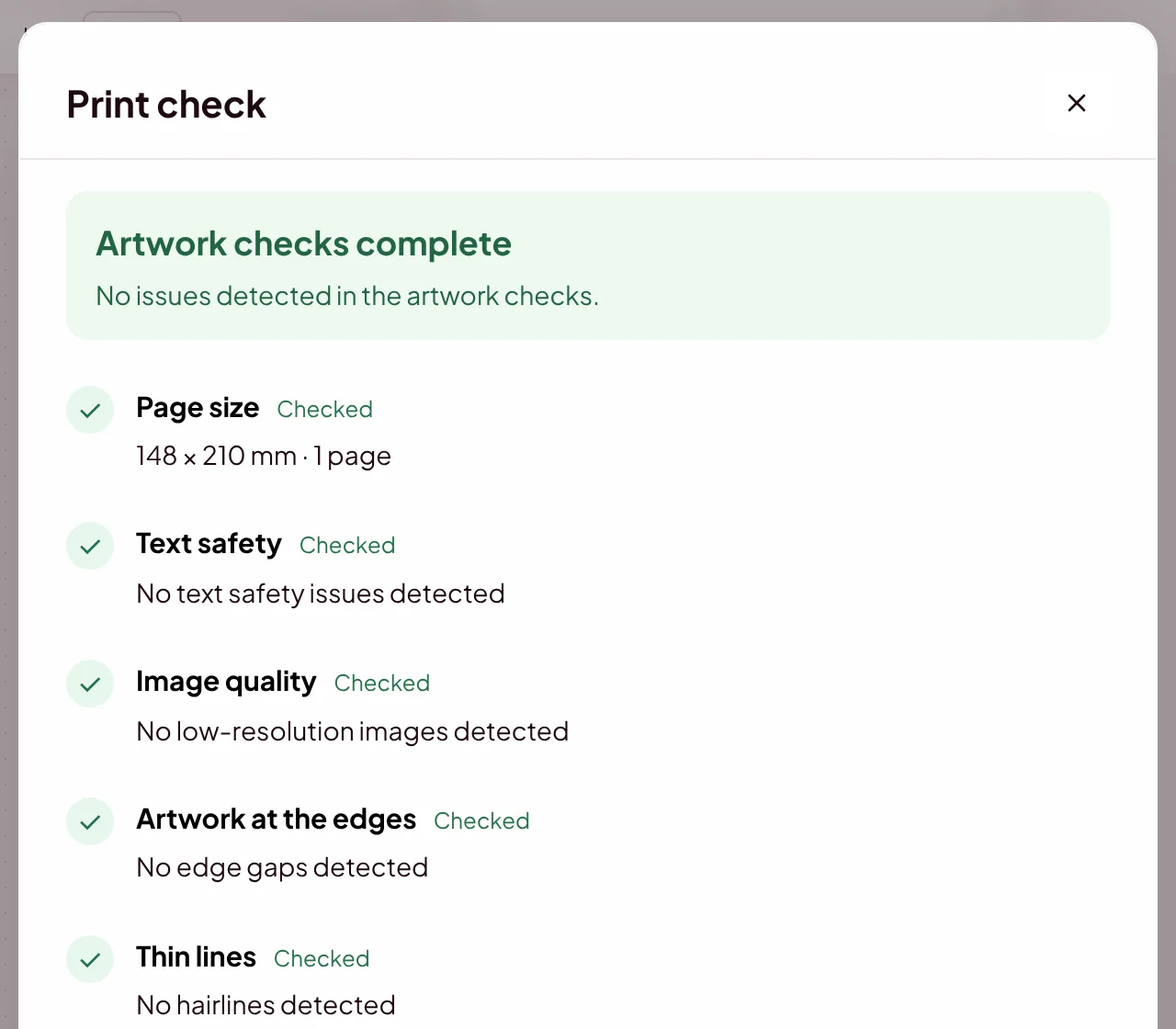
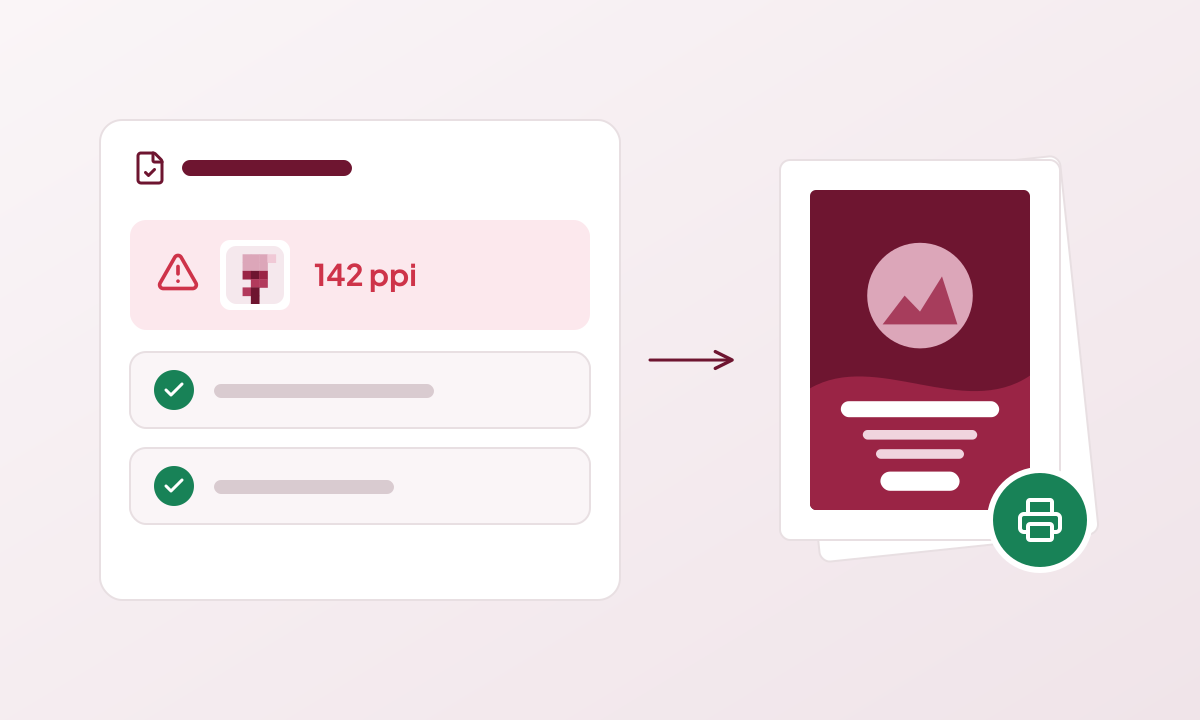
Review the proposed change before applying it. Low-resolution imagery often needs a better source image; resizing cannot recover missing detail. Undo can restore an artwork adjustment.
What Can Print Checks Not Guarantee?
Automated checks cover specific measurable issues. They cannot guarantee spelling, colour appearance, paper choice or your printer’s acceptance.