
Print checks
Catch artwork issues before export.

Describe what you need and Genix designs it at your printer’s exact size. Then change any word, colour or image yourself, or just ask.
Watch Genix turn an idea into an editable design that is ready for your printer.
Four steps from an idea to a print-ready PDF.
Start with a local standard, enter a custom size, or upload your printer specification.
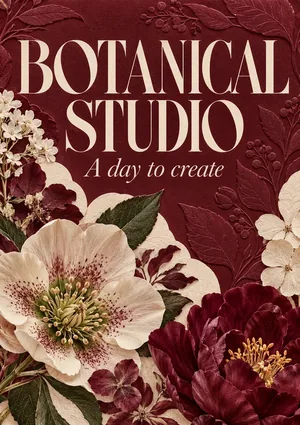

Compare two AI-generated directions. Choose one, then Genix prepares every page before opening the complete design in your canvas.
 Done. Quick edit, free.
Ask Genix to change the design. Quick edits like colour, font, size and text, and questions, are free, and manual editing is always there.
Run the print checks, then export a CMYK PDF with bleed and crop marks, or a PNG or JPG for screens.
Pick a product to see its sizes and design tips, then let Genix design it at your printer’s size.
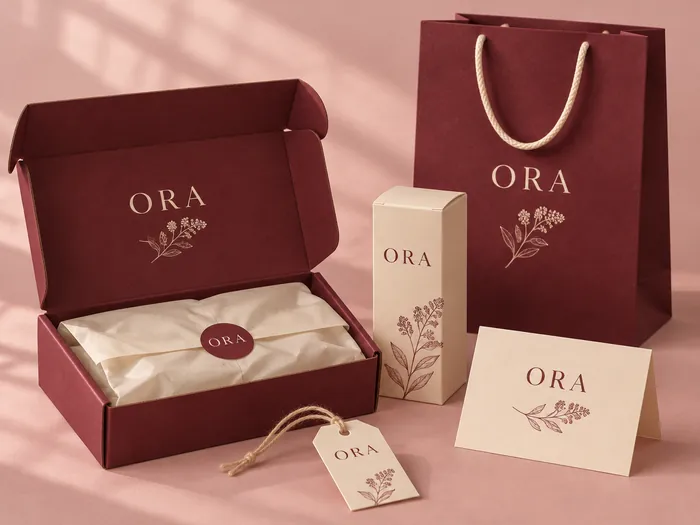 NewPackagingBoxes, bags, pouches, tags and tape.
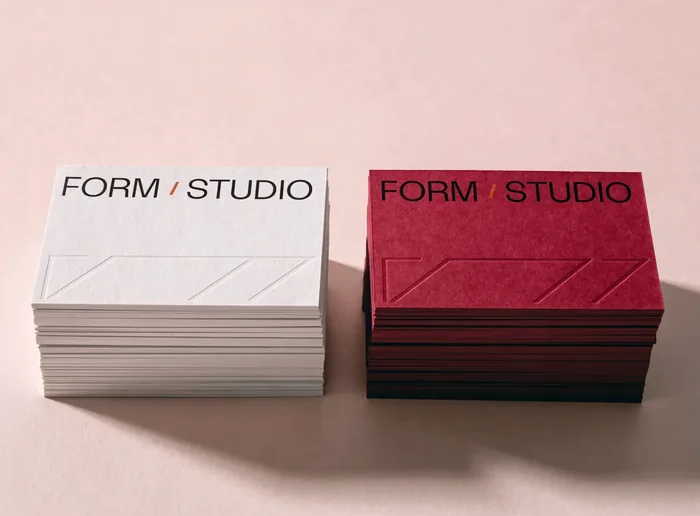 Business CardsA simple way to share your details.
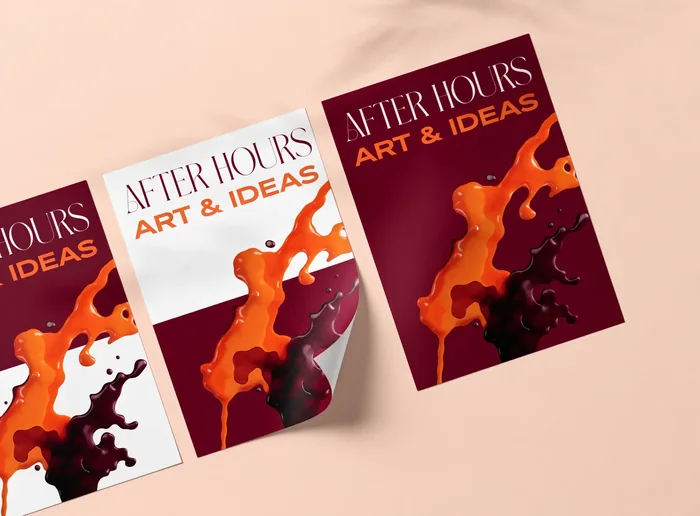 FlyersPromote an offer, opening or event.
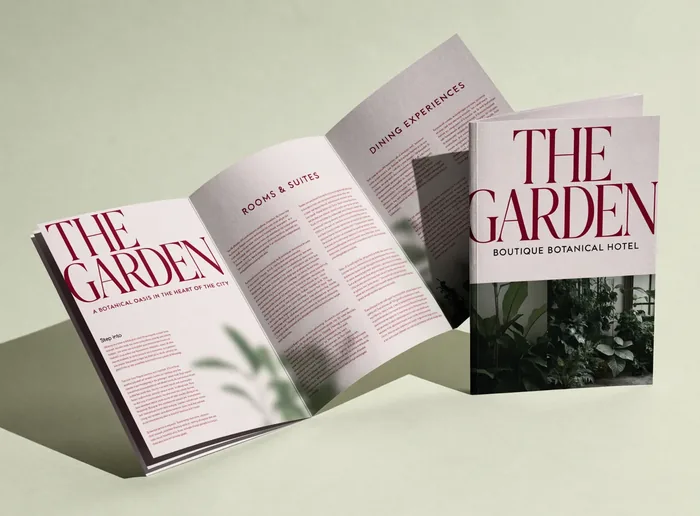 BrochuresIntroduce your products and services.
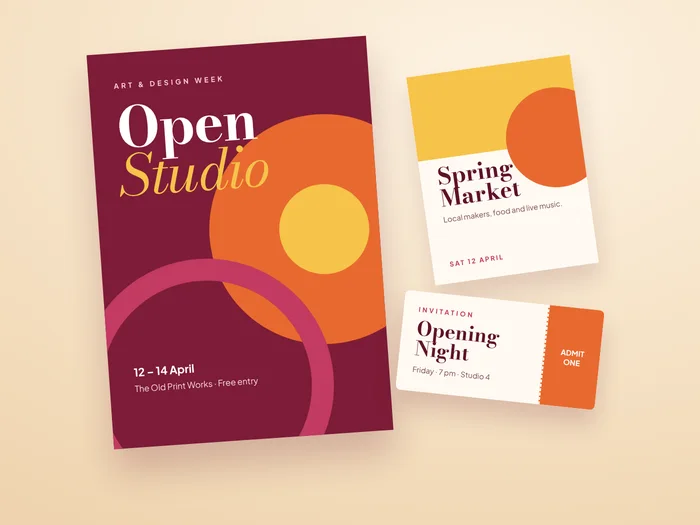 PostersGet noticed from across the room.
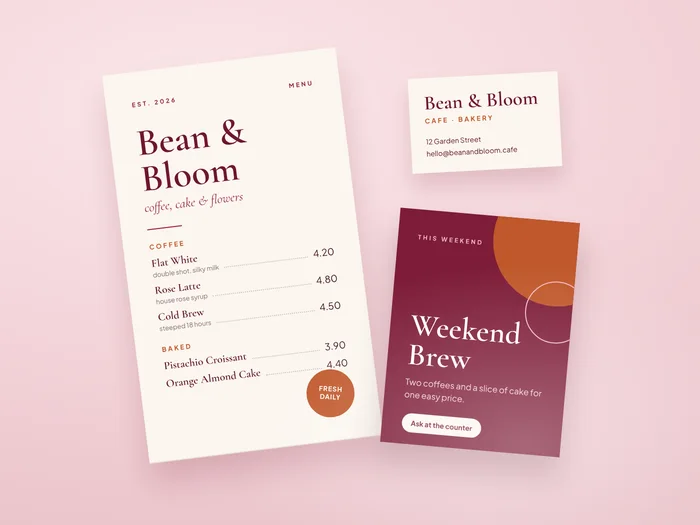 MenusDishes and prices, in any language.
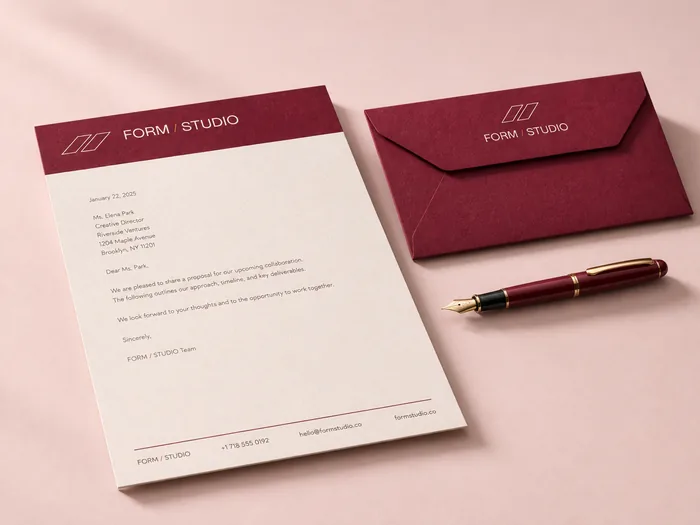 LetterheadsPaper that matches your business cards.
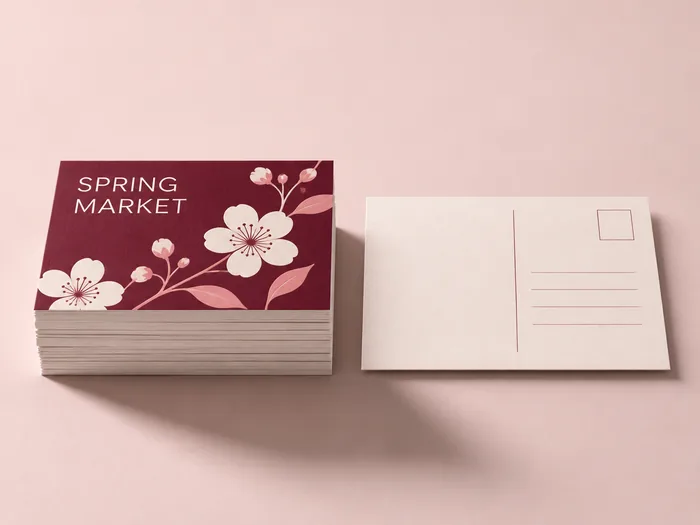 PostcardsOffers, events and thank-you notes.
Ask Genix brings creative direction and print preparation into one conversation. Explore the right look for your brand, refine the details and work through your printer’s requirements together.
Ask Genix“Make the headline larger.”Write your brief in Urdu, Arabic, Hindi, Chinese or any other language. Genix reads it, keeps your words exactly as written and designs in the same language.
Everything your printer asks for, built into the editor.
Catch artwork issues before export.
Set size, bleed and safe margins.
Set CMYK and the required ICC profile.
Review PDF settings for your printer.
Preview print colours and separations.
Keep important details inside the trim.
A complete, editable AI design made for your printer costs less than a coffee.
GenixfileEditable AI design, print checks and PDF export included$3.20per design
Short reads on bleed, image resolution and getting files ready for your printer.
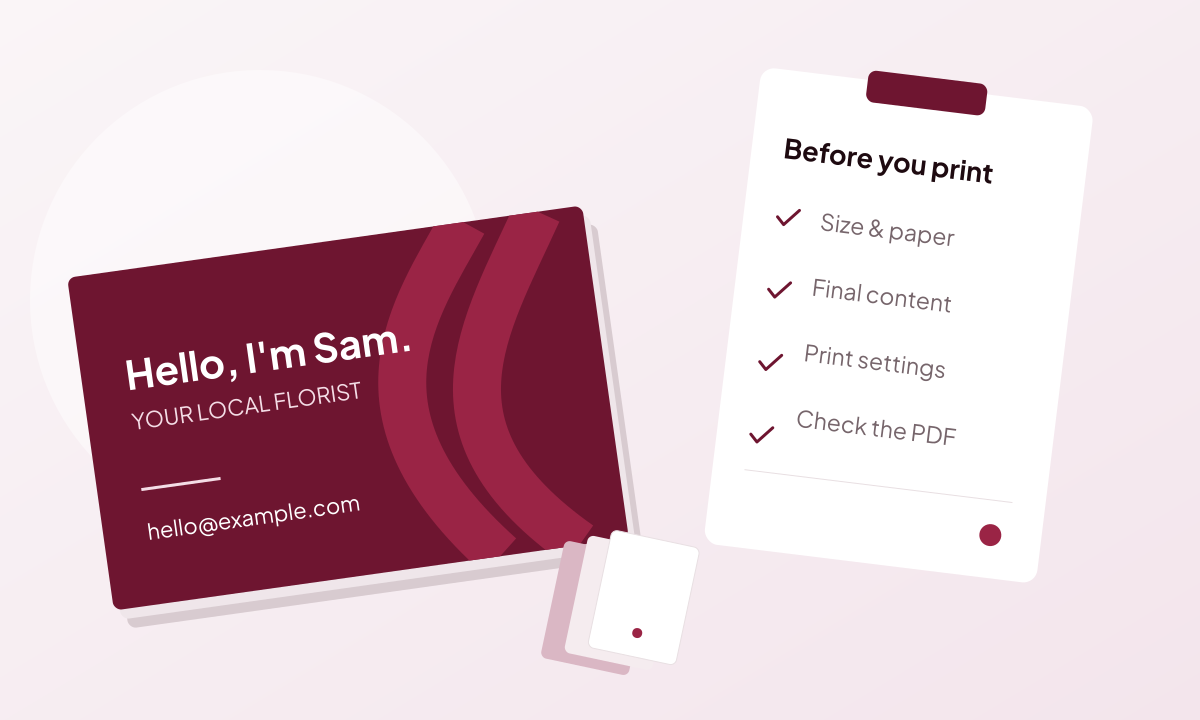
A finished-looking image can still need editable text, correct dimensions and print settings before it is ready to send.
Read guide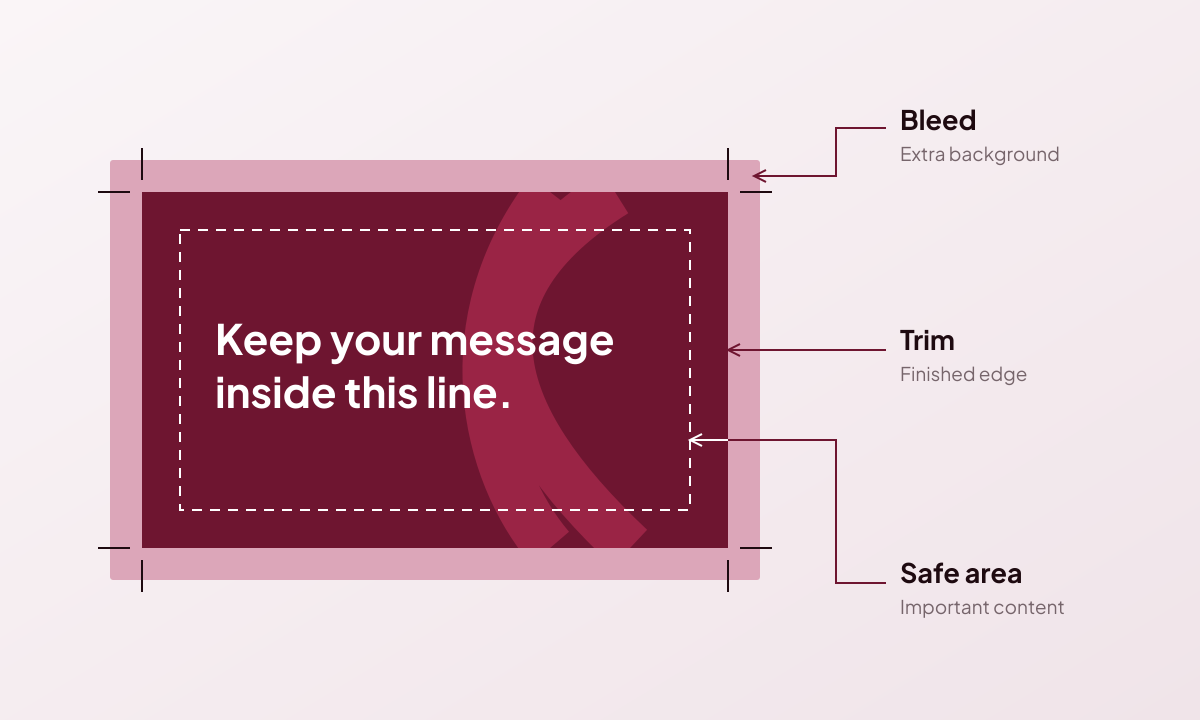
Give your design the right finished size, extend backgrounds past the cut and keep important content inside the safe area.
Read guide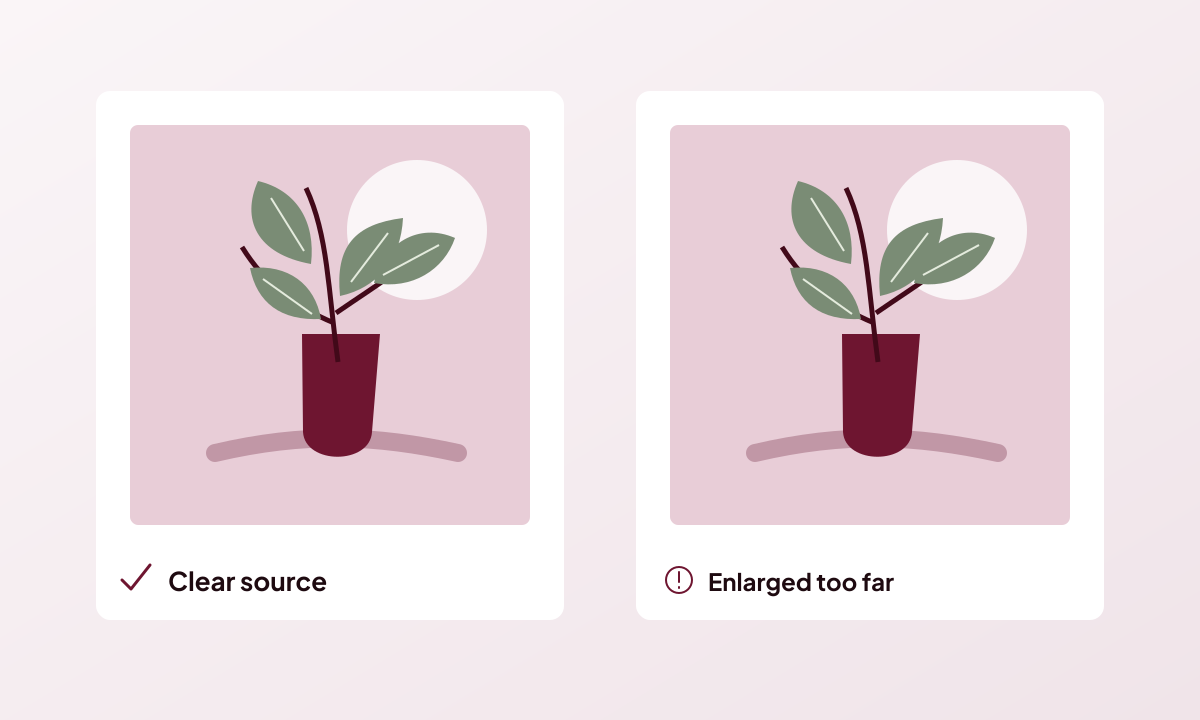
Check the resolution at the size you will print, rather than judging an image only by its on-screen preview.
Read guide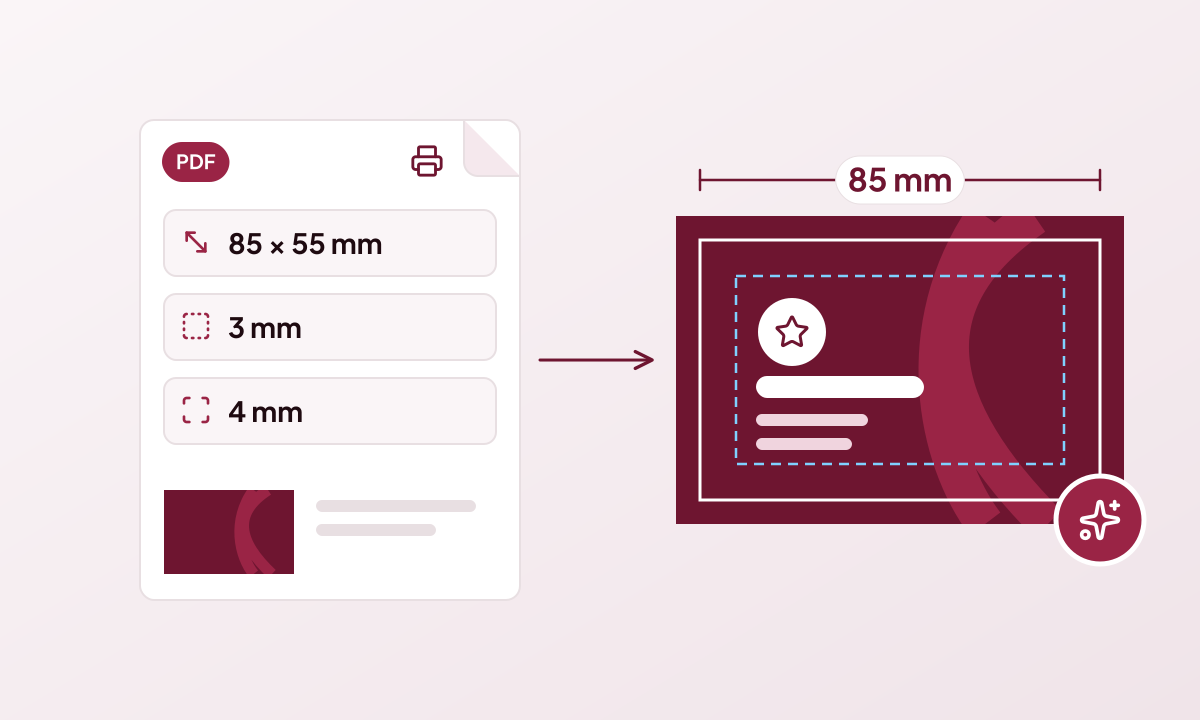
Upload the specification your printer gave you and Genixfile sets the size, bleed, safe area, pages and folds before Genix designs anything.
Read guide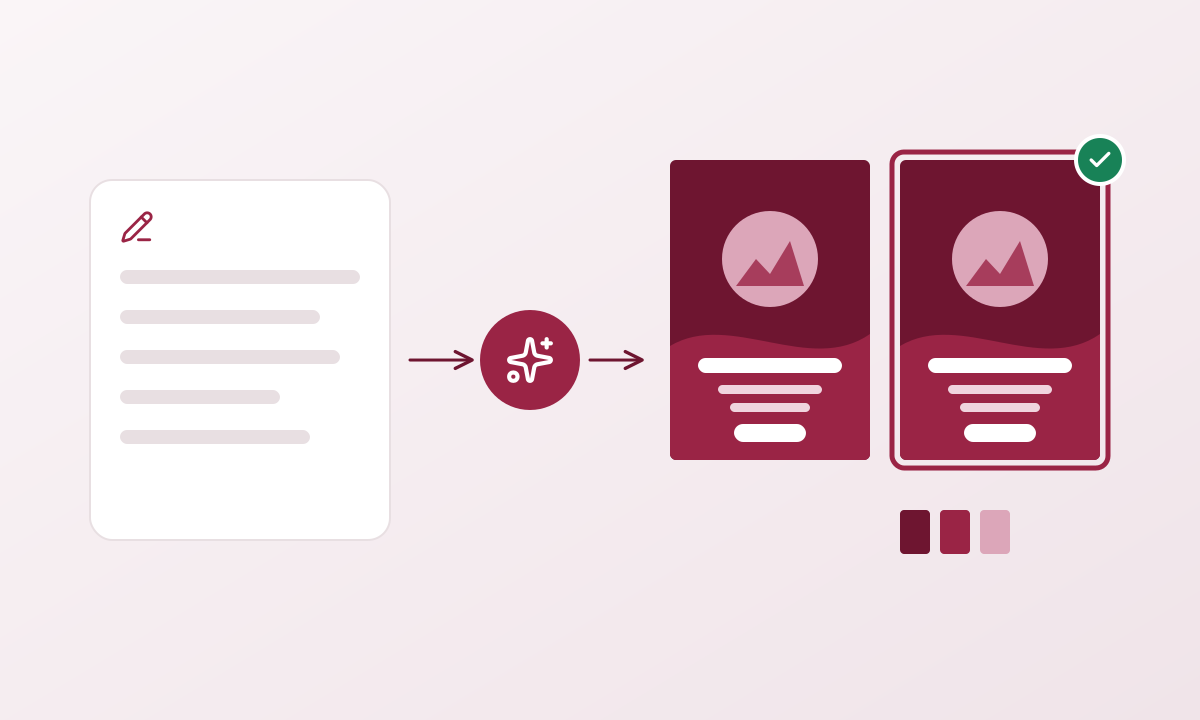
From a short brief to a complete, editable print design in six steps, with the cost of every AI step shown before it runs.
Read guide
Genixfile is an AI design tool that reads your printer’s specification and creates editable, print-ready designs. Here is what it does and who it is for.
Read guideDescribe your idea and choose between two editable designs made for your printer.