
Save, back up and move projects
Keep an editable copy of every important design.
How Are My Projects Saved?
When you are logged in, every project is saved to your account as well as this browser, so it opens on any device where you log in. Rename, duplicate, open or delete a project from its menu on the dashboard.
How Do I Back Up or Move a Project?
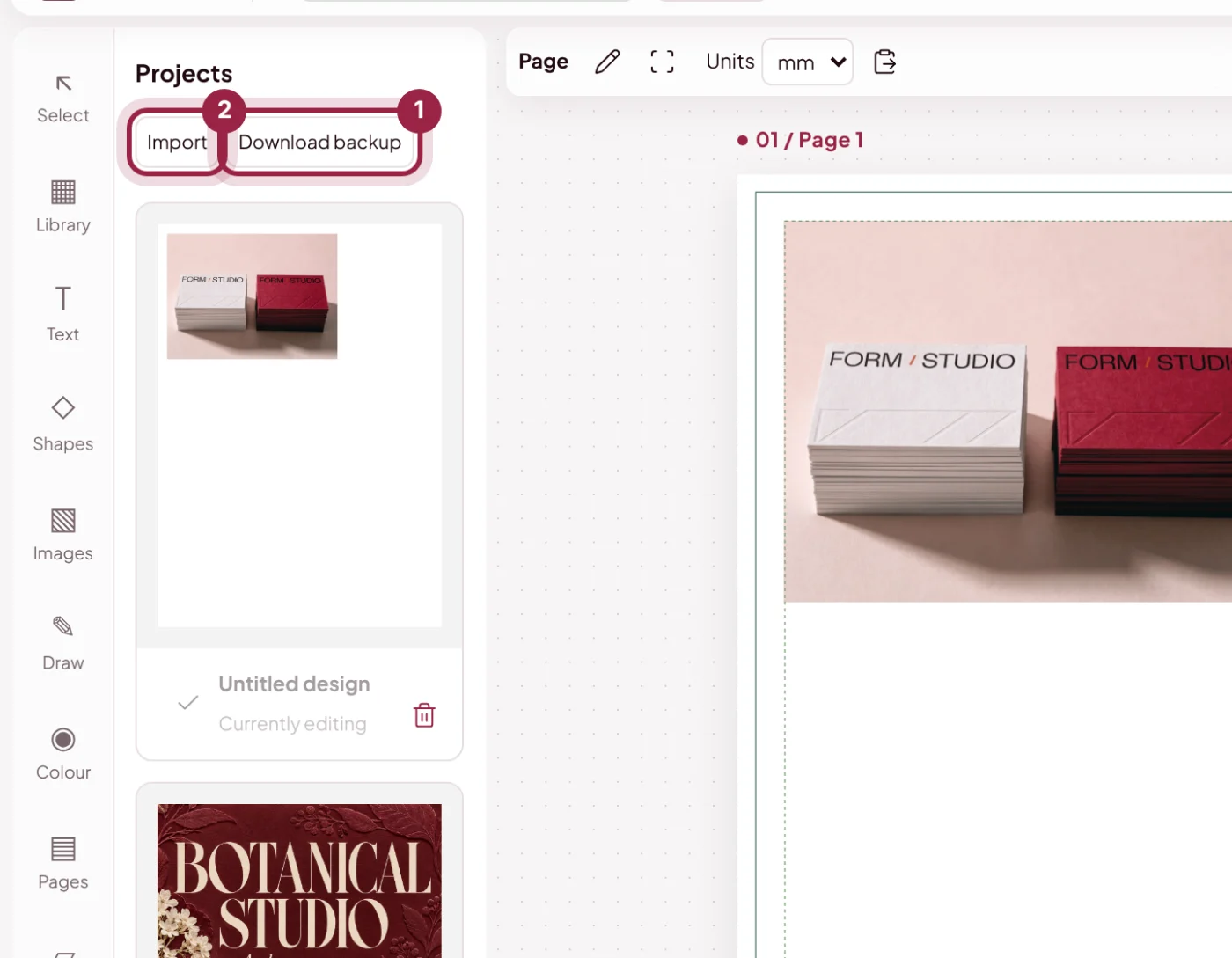
Download a .genix.json backup to keep editable text, shapes, pages and embedded images. Import that backup on another device to continue editing.
How Much Can I Store Online?
Each account can keep up to 500 MB of projects online, and a single project can be up to 50 MB. Larger projects stay on your device, so download a backup of those. A PDF or PNG is an export, not a replacement for your editable project.